


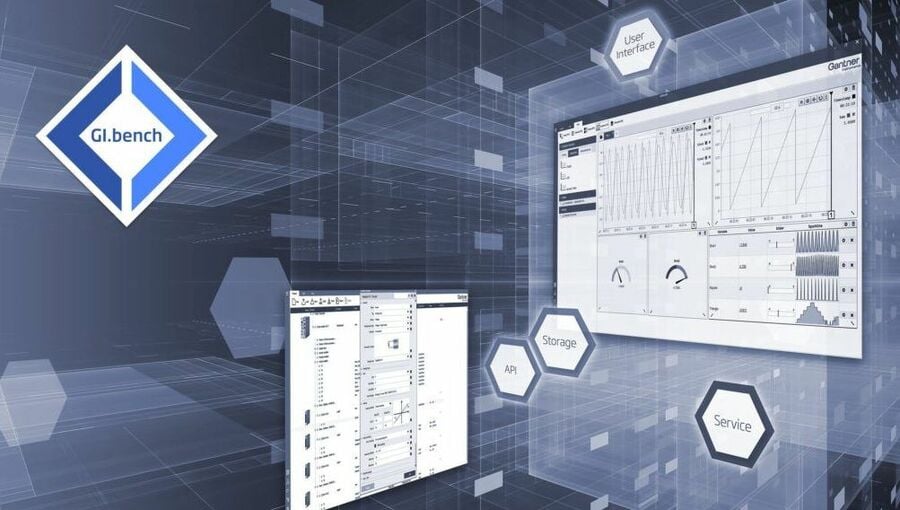
We are therefore excited to announce the release of GI.bench.
Faster, more intuitive, and more user-friendly than ever before
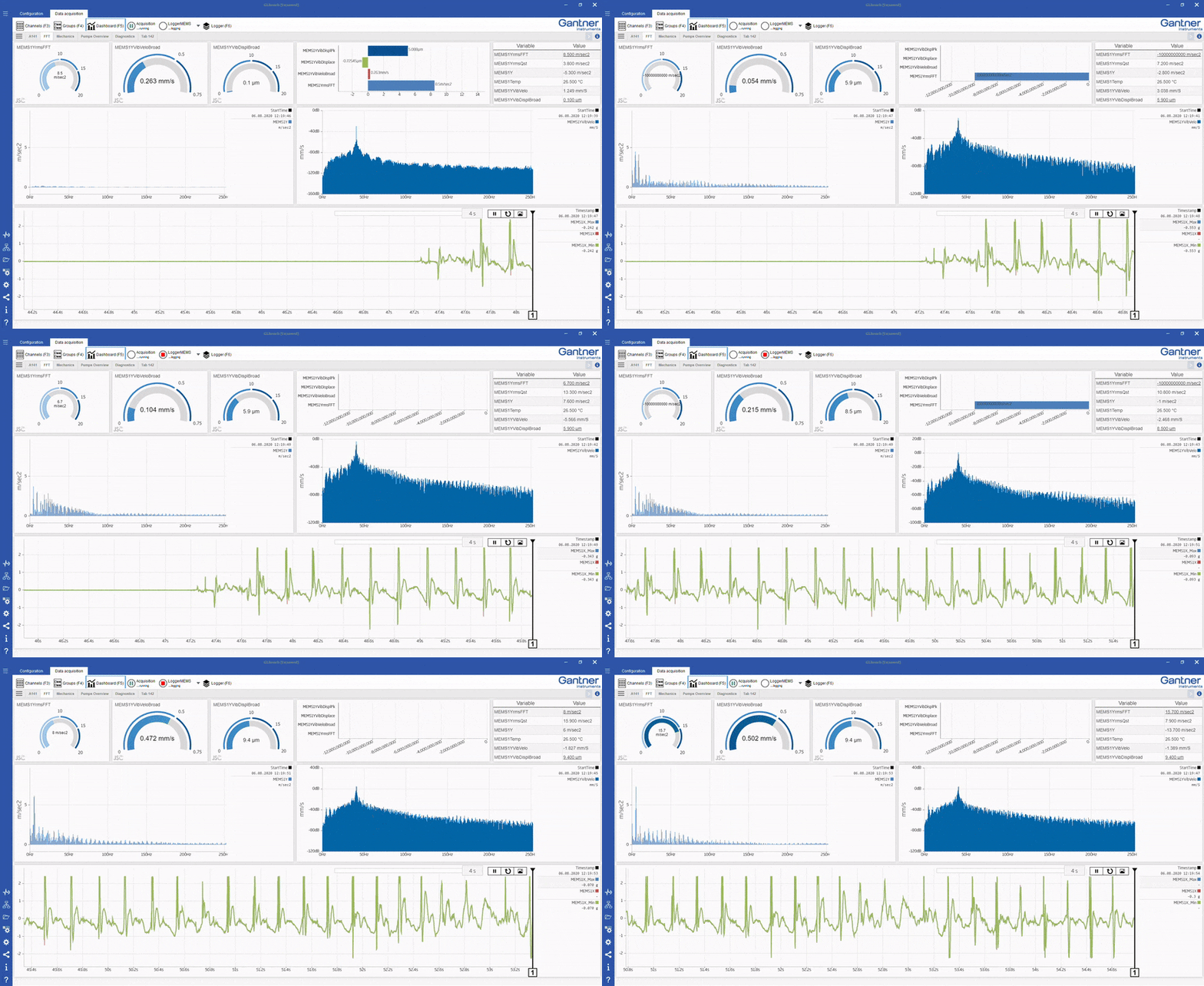
We strongly believe data acquisition software should be fun. With this in mind, we have polished the user interface to improve the look and feel. The data dashboards are now more intuitive and easier to work with. On top of that, we have made some outstanding improvements under the hood to make the software faster for setting up high-channel-count data acquisition projects. And as always, we worked on improving the stability issues flagged by our users.
GI.bench benefits you’re missing out on
- Faster system configuration in just a few clicks.
With the improved Read function, the software scans your network, and the selected controller is read in automatically. You can select multiple channels, change them all to their respective signal type and scaling, or select predefined sensors from our sensor database. Within a few clicks, your channel setup is completed and ready to show on your browser.
- To reduce the setup time of large-channel count data acquisition projects,
we have added the option to copy and paste settings of I/O modules and individual variables. It is now also possible to import and export the project configuration to CSV file format for use with Excel, Python, or other third-party editing software.
- It is really that easy to see and log your signals.
It was never easier to log data with different sampling frequencies in a single file. Data from different controllers or with different sampling frequencies can be combined in a Merged Datastream for logging. The integration of third-party systems is also possible by using the enhanced stream settings in a GI.bench project.
- Data visualization and storage on demand.
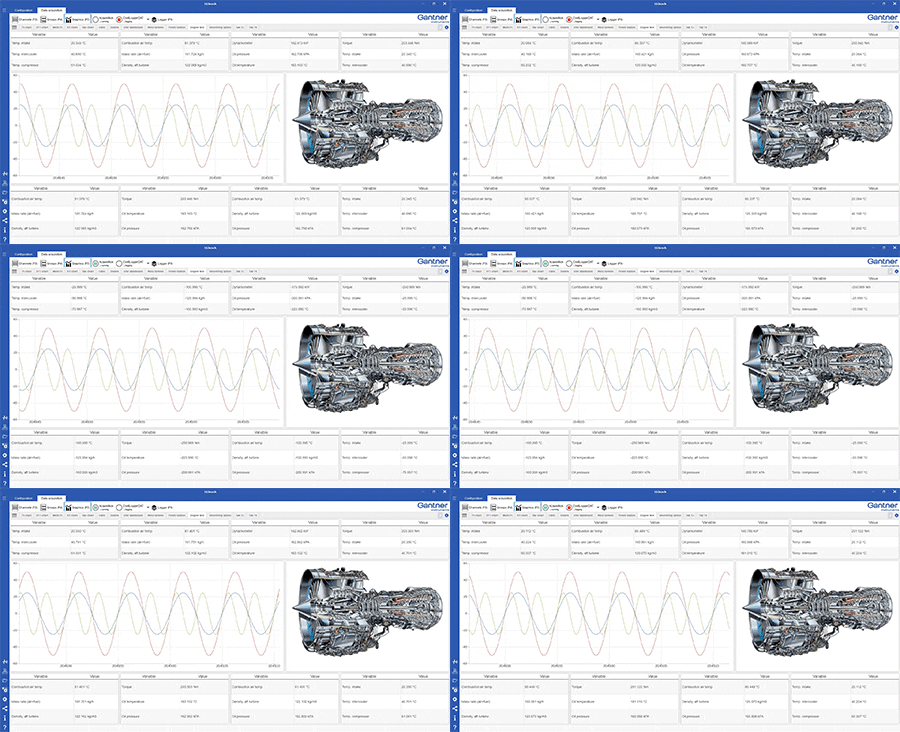
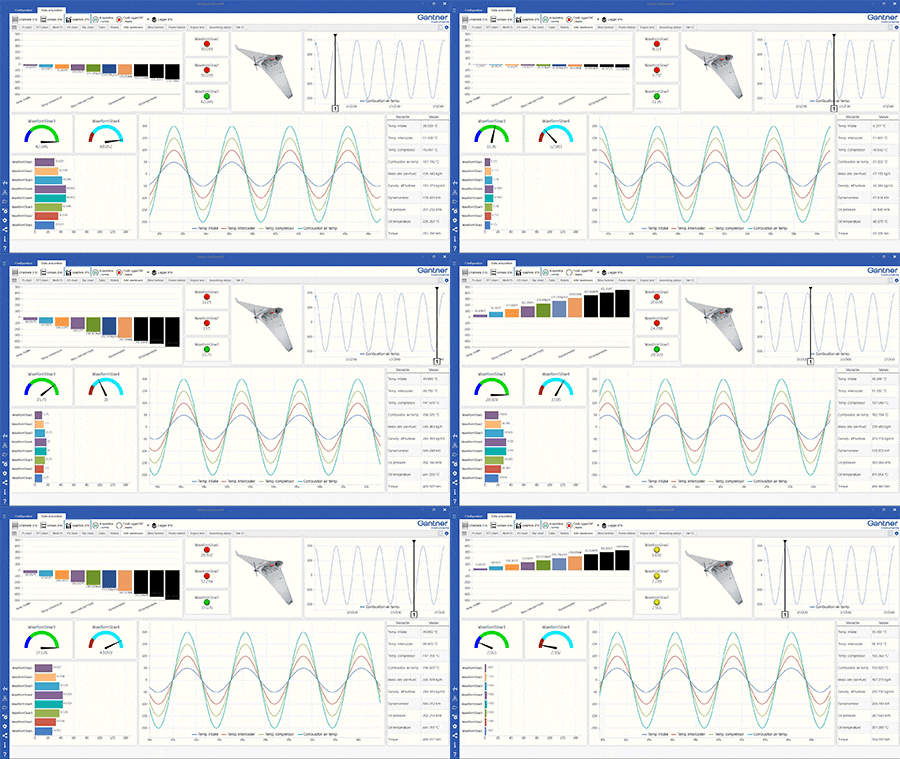
It is just a click further to visualize all signals in a list with a numerical value, bar chart, and error indication. Visualization via the “Quick View” YT-Chart and logging of signals on your local computer’s hard drive is also just a click away.
- Together with the new crisp look and feel, we have implemented a Basic and Expert mode.
With this ‘less is more’ approach, we avoid overloading the user interface with settings that may not be applicable for your day-to-day work.
- We have extended our library of charts and other elements for data visualization.
New design tools and grid templates will make it easier for you to create visually stunning data dashboards. On top of that, it is now possible to export the data from your chart to standard industry file formats, like CSV, UDBF, FAMOS, and MDF.
- We have introduced Enhanced Datastreams for automatic data pre-processing on your PC.
Create project-specific virtual variables for pre-processing your measurement data directly in GI.bench. The virtual variables come with a library of arithmetic functions, including advanced filtering options (low, high, and band-pass) and signal integration (e.g., to convert acceleration data to vibration velocity).
- PC-based data logging just became more comfortable.
With new interactive buttons to start and stop data loggers. The buttons are directly available from the toolbar so you can control your data loggers while viewing your dashboards.
- It is now possible to use FFT charts to display logged data directly in your data dashboard.
Historical log file data can be combined with live measurement data in the same dashboard.
- We value our system integrators.
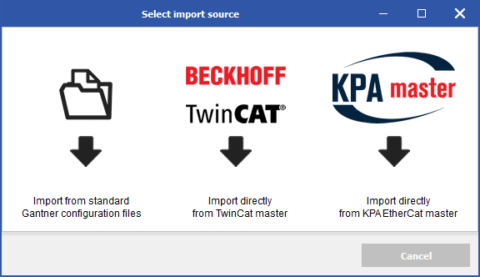
To make their job easier, we have added the possibility to create CAN DBC files and EtherCAT Slave Information (ESI) files directly from the GI.bench user interface. Also, Modbus configuration is now more user-friendly.
- For your advanced control and automation tasks,
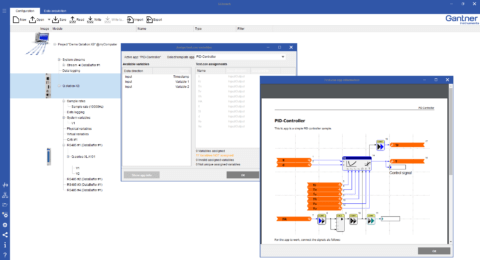
we have extended the number of pre-engineered test.con apps directly available for use in GI.bench, including several function generators and a PID control loop. If no app is available for your application, do not worry, you can easily create your own test.con app!
- An excellent user interface does not need an explanation.
With that said, some expert engineering settings require some background information. To make that information easily accessible, we have embedded an extensive online help in our new release.
More articles
The Battery Show South 2026
April 22–23, 2026 | Charlotte Convention Center | Charlotte, NC | Visit us at Booth 2230 (FLW Southeast)
Read more...Fuel Cells: Advanced Measurement Techniques and Navigating the Hydrogen Market
The energy landscape is in a state of flux, shifting towards sustainable practices, and fuel cells have risen as a promising beacon of renewable energy. The mastery of fuel cells, their inner workings, and the nuances of their measurement, is central to this paradigm shift towards green energy. These devices, which are essentially electrochemical cells that transform chemical energy into electricity, promise a more sustainable, carbon-neutral future, provided we can harness their full potential. This blog post delves into the captivating scientific universe of fuel cell measurement, elaborating on the methodologies, complexities, challenges, and breakthroughs that make fuel cell technology so intriguing.
Read more...TestRig 2026
The TestRig 2026 takes place on March 11–12, 2026, and is an interdisciplinary conference dedicated to the design and operation of modern test benches. It brings together experts from mechanical engineering, electrical engineering, sensor technology, actuators, and control and measurement systems. The focus is on test benches used to analyze vibration behavior, fatigue strength, and the reliability of technical systems.
Read more...Huge Wind Turbine Blade Tests at BLAEST
The world’s longest rotor blade was manufactured by LM Wind Power in Denmark. Planning the test of the 290 ft (88.4 m) long rotor blade began in 2015. With BLAEST (the Blade Test Centre) Tests are now underway together in Aalborg, Denmark.
Read more...